ToyTool Firmware
A Claude Code usage display for your desk
Your Claude Code session and weekly limits, time to reset and today’s tokens on a GeekMagic SmallTV-Ultra desk screen. One Node script, no soldering.
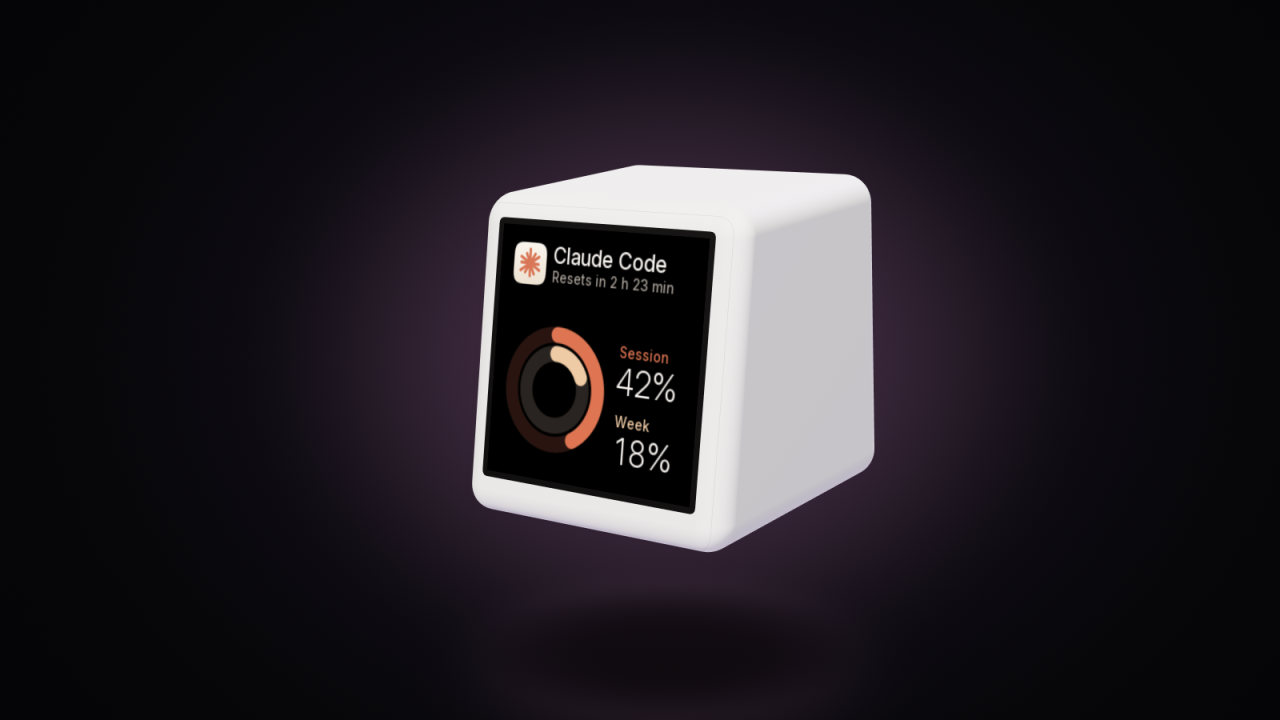
A GeekMagic SmallTV-Ultra with ToyTool Firmware can sit next to your keyboard and show how much of your Claude Code limits you’ve used: the 5‑hour session and the week, as percentages, the time until the session resets and how many tokens you’ve burned today. A small Node script on your computer reads the numbers and sends them to the screen over your home network every 15 seconds. You can choose four faces, one of them with Clawd, the pixel mascot, who walks while Claude Code is writing and falls asleep when you hit the limit.

Claude, Claude Code and Clawd belong to Anthropic. These faces and the helper are ToyTool’s own, unofficial and not affiliated with Anthropic.
What you need
- A GeekMagic SmallTV-Ultra running ToyTool Firmware, activated with a licence ($3.99 per screen). The animated Clawd face needs firmware 1.14 or newer.
- A computer where you use Claude Code, signed in with a Claude subscription (Pro, Max, Team or Enterprise). The session and weekly limits only exist for those sign-ins; with an API key there is nothing to show.
- Node.js 18 or newer on that computer.
- The computer and the screen on the same home network.
Set it up
- Put a Claude Code face on the screen. In your ToyTool account open Faces, pick one from the Claude Code collection and add it to the screen.
- Find the screen’s IP address. The face’s Settings in your account shows the exact command with your screen’s address once Local network address is on in the screen settings. The screen also shows it for a moment as “Connected 192.168.…” after it joins Wi‑Fi.
Download the helper — a single file, agent.mjs — into any folder. From a terminal:
curl -O https://toytool.work/smalltv/claude/agent.mjsIt’s about 180 lines of plain JavaScript with no dependencies, so it’s worth a read before you run it.
Test it once. With your screen’s address in place of
192.168.1.50:node agent.mjs --once 192.168.1.50It sends one update and prints what it sent, something like this (your numbers will differ):
sent: {"value":"42","unit":"%","sub":"Resets in 2 h 23 min","state":"1","progress":0.42,"rows":[["Session","42%"],["Week","18%"],["Reset","at 17:00"],["Today","1.4M"],["Resets in","2:23"]]}- Leave it running:
node agent.mjs 192.168.1.50. It updates the screen every 15 seconds for as long as the terminal stays open — minimise it rather than closing it.

What it reads, and where it sends it
The helper is the whole integration: the screen doesn’t talk to Anthropic and ToyTool’s server never sees any of it.
| What | Where it comes from | How often |
|---|---|---|
| Session (5‑hour) and week, in % used, and when the session resets | Asked from Anthropic (api.anthropic.com) with the sign-in Claude Code saved on this computer — the same numbers /usage shows in Claude Code | once a minute |
| Tokens today | Counted from Claude Code’s own logs on this computer (~/.claude/projects): input, output and cache tokens of every reply since local midnight | every 15 seconds |
| “Claude Code is writing right now” | A Claude Code log on this computer changed in the last 90 seconds | every 15 seconds |
| The screen’s language (English or Russian) | The screen’s own settings, GET /api/config | every 10 minutes |
- The sign-in is read from
~/.claude/.credentials.json(on Windows%USERPROFILE%\.claude\.credentials.json) each time it’s needed. The token goes toapi.anthropic.comand nowhere else. - The helper writes nothing to disk and keeps nothing between runs.
- What reaches the screen is a data-only widget called
cc: the percentages, the status line and five short rows, sent with plain HTTP inside your home network. It lives on the screen for 15 minutes, so when the helper stops, the faces show dashes and Clawd goes to sleep.
That matches the privacy policy: nothing from the helper goes to ToyTool.
The four faces
| Face | Shows | Good for |
|---|---|---|
| Claude Code | Two rings — the outer one the session, the inner one the week — with both percentages and the time to reset | a quick glance from across the desk |
| Claude · number | The session as one big number with a bar, the countdown under it, the week at the bottom and the time on top | when the session is all you watch |
| Claude · dashboard | Four tiles: session, week, time left to the reset (and the clock time it happens) and today’s tokens | the full picture |
| Claude Code · Clawd | Clawd, with the status line and the session and week underneath | company |
All four follow the screen’s language and take their turn in the rotation with your other faces — or pin one in your account if the desk screen should only show Claude.

Clawd’s mood comes from the numbers:

| Clawd | When |
|---|---|
| breathes and blinks | you’re not using Claude Code right now |
| walks, with a ✻ spinning | Claude Code wrote to its log in the last 90 seconds |
| sweats | the session is at 80% or more |
| sleeps, with Z’s | the session limit is used up — or the helper isn’t running |
| looks around, with a “?” | the helper runs but has no limits to show (see below) |
When the numbers don’t come
The status line on the faces says what’s wrong:
- “Not signed in to Claude Code” — the helper found no sign-in file. Run
claudeonce and log in with your Claude account. On macOS see the limits below. - “Sign-in expired” — Claude Code renews its sign-in when it runs. Open Claude Code in a terminal once and the
numbers come back;
node agent.mjs --once …also prints when the saved sign-in expired. - “Can’t reach Anthropic” or “Anthropic: error …” — the computer is offline or Anthropic’s side answered with an error; the helper keeps trying every minute.
- Dashes everywhere and a sleeping Clawd — no update for 15 minutes: the helper isn’t running, or it can’t reach
the screen. In the terminal you’ll see
screen 192.168.1.50 didn’t answer. Check the address in your account (it can change after a router restart — a DHCP reservation fixes that) and that both devices are on the same network.
Limits
- macOS: Claude Code keeps its sign-in in the macOS Keychain, not in
~/.claude/.credentials.json, and the helper only reads the file. On a Mac the session and week stay empty (“Not signed in to Claude Code”); today’s tokens and Clawd’s “working” mood still work. - One computer. Today’s tokens are counted from the logs of the computer the helper runs on; work on other computers isn’t in that number. The session and week limits are account-wide, so those are right wherever you work.
- A custom config folder isn’t followed. If you set
CLAUDE_CONFIG_DIR, the helper still looks in~/.claude. - The usage endpoint isn’t a public API. The helper asks the same place Claude Code’s
/usagedoes; if Anthropic changes it, the limits stop until the helper is updated. - Claude Code only. Codex and other tools aren’t supported.
- The computer has to be on — the helper is what fetches the numbers.
Other ways to put Claude usage on a desk
- Clawdmeter — firmware for several Waveshare ESP32 boards with AMOLED or LCD touch screens, plus a desktop app that pairs with the board over Bluetooth. A bigger, prettier device if you’re happy to buy one of those boards.
- smalltv-mod — open-source firmware for the SmallTV family (the Ultra included) with a Claude usage meter among other screens; the meter needs the clawdmeter daemon running on a PC.
- ClaudeTV — open firmware for the SmallTV-Ultra that polls a small collector service; the collector runs on an always-on Linux machine on your network and can add Codex usage.
- smalltv-esphome — ESPHome firmware where a program on your PC draws the frames (Claude and Codex usage, stocks and more) and streams them to the screen.
They’re free and open source; ToyTool is paid and closed, and in exchange you get designed faces, an account to set everything up from anywhere and the rest of the screen’s life — weather, rates, YouTube — around the Claude faces. A side-by-side look at all the options is in SmallTV-Ultra firmware options compared. If you’d rather build your own Claude face, the helper’s data is an ordinary widget: see the widget API.
Sources: the helper’s source (agent.mjs) and the firmware; the face pictures are renders by the firmware’s own drawing code with sample data.
Faces from this guide


Read next
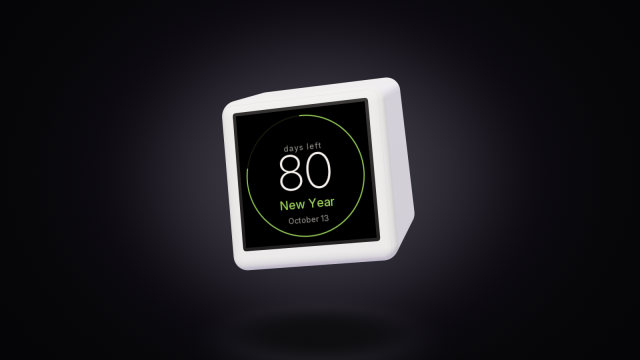 A countdown to any date on the SmallTV-UltraCount the days to a trip, a launch or retirement on a GeekMagic SmallTV-Ultra. The built-in countdown, more timers from a script, and the limits.
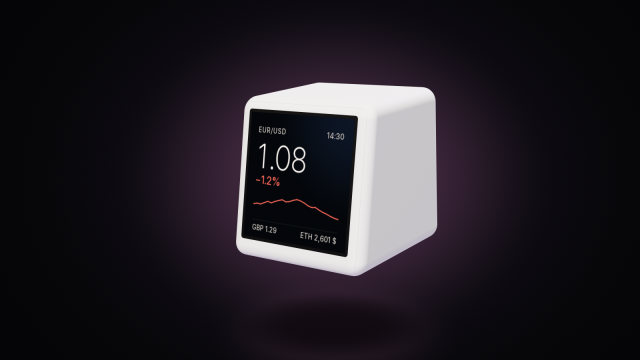 Bitcoin and crypto prices on the SmallTV-UltraThe stock GeekMagic SmallTV-Ultra has no crypto ticker. How to show Bitcoin, Ethereum and currency rates on it, where prices come from, and the limits.