ToyTool Firmware
Bitcoin and crypto prices on the SmallTV-Ultra
The stock GeekMagic SmallTV-Ultra has no crypto ticker. How to show Bitcoin, Ethereum and currency rates on it, where prices come from, and the limits.
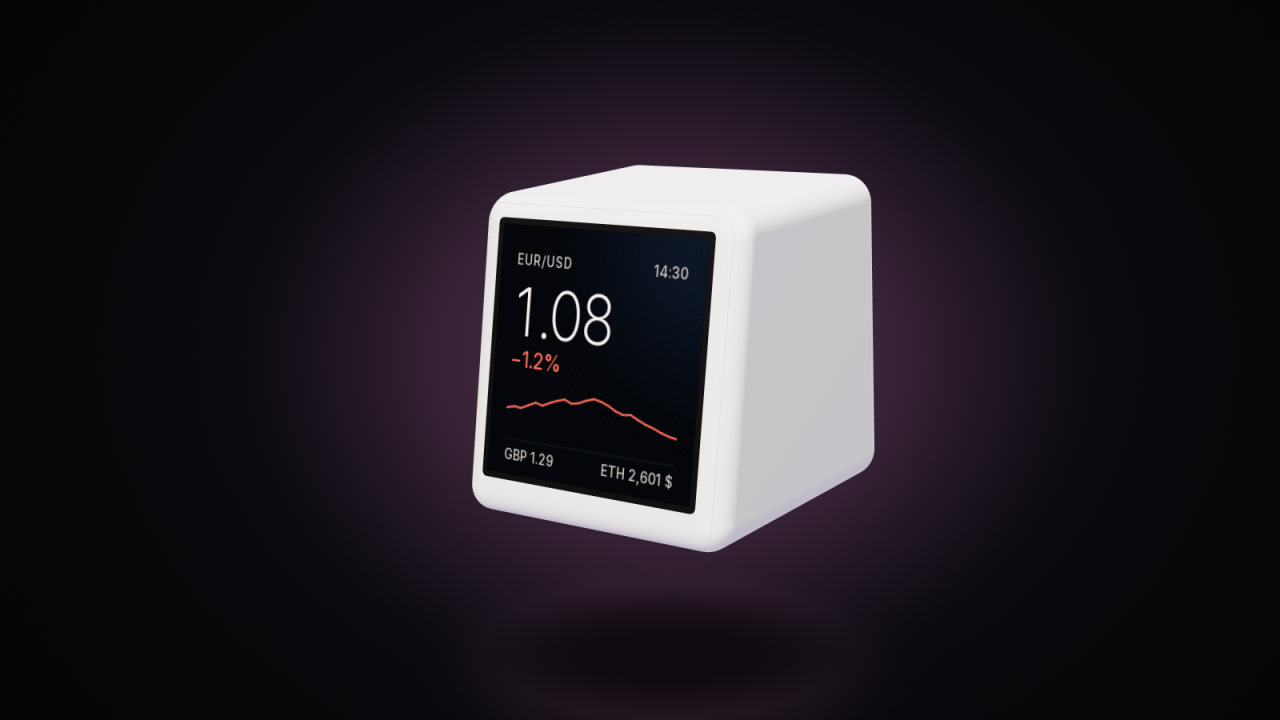
Out of the box, the GeekMagic SmallTV-Ultra doesn’t track Bitcoin or any other cryptocurrency — that’s a feature of its bigger sibling, the SmallTV Pro. With ToyTool Firmware the Ultra shows crypto and currency pairs side by side: the first pair large, with its change and a chart (seven days for crypto, about a month for currencies), the next three underneath, and the same numbers available to watch faces.

Stock Ultra vs Pro: who shows crypto
GeekMagic sells two similar cubes: the Ultra (ESP8266) and the Pro (ESP32). In a February 2026 review of the Pro, Neil Turner notes that the Pro shows share and cryptocurrency prices out of the box, and that “the cheaper ‘Ultra’ model doesn’t support stocks or cryptocurrency tracking” (his post). If you already own an Ultra and want crypto on it, that means different firmware. ToyTool is for the Ultra only.
What ToyTool Firmware shows
- Up to four pairs. Your ToyTool account takes four and the Rates screen shows all of them. The first pair is the big one.
- Crypto: the price, the change over 24 hours and a chart of the last seven days.
- Currencies: the rate; the first currency pair also gets its change against the previous trading day and a chart of about a month. Pairs with the Russian rouble use the Bank of Russia’s official rate for that chart (marked “CBR” on the screen).
- Refresh: crypto and the first pair's chart every 10 minutes; the other currency rates once an hour (their feed changes once a day anyway), retried 5 minutes after a failed attempt.
Which coins
The firmware knows twelve coins by their ticker:
| Ticker | Coin | Ticker | Coin |
|---|---|---|---|
| BTC | Bitcoin | DOGE | Dogecoin |
| ETH | Ethereum | USDT | Tether |
| TON | Toncoin | LTC | Litecoin |
| SOL | Solana | TRX | TRON |
| BNB | BNB | ADA | Cardano |
| XRP | XRP | NOT | Notcoin |
Pair a coin with any currency CoinGecko quotes it in — BTC/USD, ETH/EUR, TON/USD. USDT as the quote counts as
US dollars. A coin that isn’t on the list isn’t supported yet: its place shows a dash or stays empty. For currencies, use ISO codes like
EUR/USD, USD/JPY or GBP/CHF.
Set your pairs
- In your account, open a rates face (or the Rates screen) and press Settings.
- Type a pair in the form
BTC/USDand press Enter, or tap one of the suggestions. - Order matters: the first pair is the one shown large with a chart. Remove a pair with its ×, add it again to move it to the end.

The pairs belong to the screen, so two screens can follow different markets.
Faces for rates
Besides the built-in Rates screen, four faces in the store use your pairs:

- Ticker — the first pair large, with its change and chart, and two more small at the bottom.
- Markets — a table of the first four pairs; the first one gets a small chart.
- Duo — a smartwatch-style face: the time, the weather with its own chart, and the first rate with its chart.
- Pilot — an instrument panel with subdials, the weather and the first rate in a corner.
In your own faces the first four pairs are {r0} … {r3}, with {r0_pair} for the name, {r0_c} for the change
and a spark element for the first pair’s chart — see Build your own watch face.
The rest of the data collection is on the Data faces page.
Where the numbers come from
The screen fetches them itself, directly from these services — nothing goes through ToyTool:
| Data | Source |
|---|---|
| Crypto prices, 24‑hour change, 7‑day chart | Data provided by CoinGecko (public API) |
| Currency rates | Rates By Exchange Rate API (its open feed updates once a day) |
| The first currency pair’s chart and change | Yahoo Finance daily closes; for rouble pairs the Bank of Russia |
Because the open currency feed changes once a day, the pairs after the first one are daily rates. The first pair’s value comes from its chart’s source instead: Yahoo Finance’s latest price, or the Bank of Russia’s official rate for rouble pairs.
Stocks? Not built in — but you can push them
The firmware doesn’t fetch stock quotes. You can still put a share price on the screen from your computer with the widget API. This Python script (standard library only) reads a quote from Yahoo Finance’s chart endpoint — unofficial, so it can change or rate-limit you — and sends it to the screen every ten minutes:
import json, time, urllib.request

SCREEN = "http://192.168.1.50"     # your screen's address
SYMBOL = "AAPL"

def call(url, body=None):
    headers = {"User-Agent": "Mozilla/5.0", "Content-Type": "application/json"}
    req = urllib.request.Request(url, data=body, headers=headers)
    return json.load(urllib.request.urlopen(req, timeout=10))

while True:
    try:
        url = f"https://query1.finance.yahoo.com/v8/finance/chart/{SYMBOL}?range=1d&interval=1d"
        meta = call(url)["chart"]["result"][0]["meta"]
        price, prev = meta["regularMarketPrice"], meta["chartPreviousClose"]
        widget = {"id": "stock", "title": SYMBOL, "value": f"{price:,.2f}",
                  "unit": meta.get("currency", ""),
                  "sub": f"{(price - prev) / prev * 100:+.2f}% since the last close", "ttl": 3600}
        call(f"{SCREEN}/api/widget", json.dumps(widget).encode())
    except Exception as e:     # no network, a bad symbol, the screen is off: try again later
        print("stock:", e)
    time.sleep(600)
The quote appears as its own page in the rotation. To use it in a face instead, add "page": false and read it as
{w_stock} — details in the API guide.
Limits
- Twelve coins for now; other tickers show a dash.
- No stocks or indices built in (see the script above).
- Only the first pair has a chart and, for currencies, a change. The others show the rate alone.
- Four pairs at most.
- Crypto refreshes every 10 minutes; the currency feed behind the extra pairs changes once a day, so the screen asks for it once an hour.
Prices are one part of what the screen does — weather, YouTube, Claude Code limits and 70 faces are on the ToyTool Firmware page. For a subscriber count next to the price, see the YouTube subscriber counter.
Sources: the firmware’s source (src/net/fetch.cpp, src/ui/ui.cpp) and the ToyTool account; the pictures are firmware renders with sample prices and a screenshot from a test account.
Faces from this guide


Read next
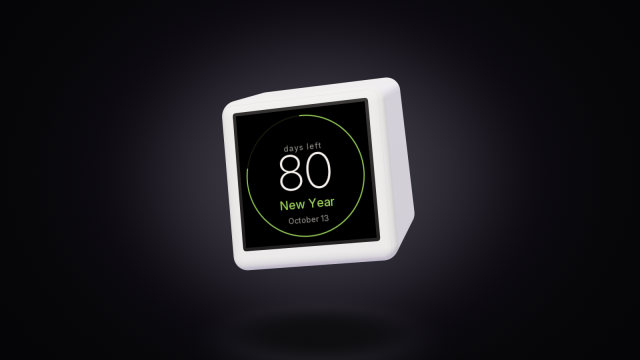 A countdown to any date on the SmallTV-UltraCount the days to a trip, a launch or retirement on a GeekMagic SmallTV-Ultra. The built-in countdown, more timers from a script, and the limits.
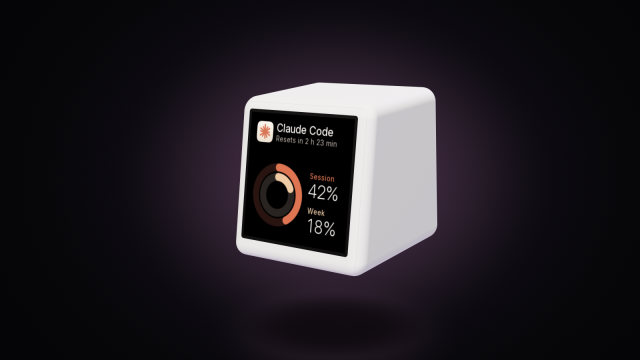 A Claude Code usage display for your deskYour Claude Code session and weekly limits, time to reset and today’s tokens on a GeekMagic SmallTV-Ultra desk screen. One Node script, no soldering.