From a toyto a tool.
Live watch faces, weather, rates, YouTube and tasks — on the little screen that’s already on your desk.
Watch faces you’ll want to stare at.
Hands, rings, flip digits, illustrations. Install one with a single tap — they take turns on their own.
Made to be looked at.
Every screen gets its own accent color and background. Try it — the screen below is drawn by the very same code as the real one.
Everything that matters, at a glance.
Screens take turns. Which ones, and how many, is up to you.
Weather
Right now, by the hour and five days ahead. The sky behind it changes with the weather.
Rates
Currencies and crypto — with a 30-day chart.
YouTube
Subscribers and views of your latest video, with its thumbnail in the background.
Tasks
Your next to-dos from Notion: what’s next, what’s done, what’s on fire.
Modular
Time, rings for the day, week and month, weather and your next task — on one screen.
Custom widgets
Sales, CPU load, anything at all — one line from a script.
It used to be sad.
Not anymore.
On the stock firmware the screen showed the same thing every day. With ToyTool it becomes a little design object on your desk.
Stock firmware
- The same thing every day
- Jagged letters, acid colors
- Looks like an alarm clock from 2005
ToyTool Firmware
- A gallery of faces and a studio
- Weather, rates, YouTube, tasks
- Smooth animations and night mode
Your own watch face in an evening.
Drag elements around, drop in the time, the weather, your subscriber count. The studio draws with the same code as the screen: what you see is exactly what you get.
Open the studioOne file, and you’re done.
No cables, no apps. Just a browser — on your computer or your phone.
Open the screen’s settings
Type its address into a browser — the one it shows when it starts up.
Upload one file
The update section, the file from your account. Your Wi‑Fi usually carries over; if not, the screen asks for it.
Choose what to show
Your city, rates, faces from the gallery — all in the same tab.
Changed your mind? GeekMagic’s firmware uploads back through the screen’s page — the reset guide says what doesn’t come back.
ToyTool Firmware for SmallTV‑Ultra
Pay once, keep it forever. More than one screen? One license each.
- Every face in the store
- Weather, rates, YouTube, Notion tasks
- Your ToyTool account to set everything up
- Firmware updates
- Everything in Basic
- Studio: design faces from scratch
- Recolor any face from the store
- Your faces on all your screens
Questions
Will it work with my screen?
Yes, if it’s a GeekMagic SmallTV‑Ultra — the square 240×240 Wi‑Fi display. Other models aren’t supported yet.
Is it safe?
Watch faces are descriptions of pictures, not programs — they can’t break your screen. Updates from your account are checked before the screen switches to them, and if the firmware ever fails to start, the screen drops into safe mode on its own and stays reachable over Wi‑Fi.
Do I need a computer?
No. Installation and every setting live in the browser — your phone works too.
What about YouTube and Notion?
They’re optional. Time, weather and rates work right away; YouTube and tasks need your own key — the settings show you where to get it.
Where does my data go?
Settings and keys are stored on the screen itself. Our server only knows what the dashboard needs: the firmware version, which faces are installed and the screen’s address on your home network — and that last one turns off with a single checkbox.
How much does it cost?
Basic is $3.99 per screen, paid once: every face in the store, your ToyTool account and updates. Extended is $9.99: the same plus the studio for your own faces on every screen in your account. You can upgrade from Basic by paying the difference.
Set it up, fix it, make it yours.
Step-by-step guides for the SmallTV-Ultra — from the first boot and Wi‑Fi trouble to a Claude Code meter on your desk.
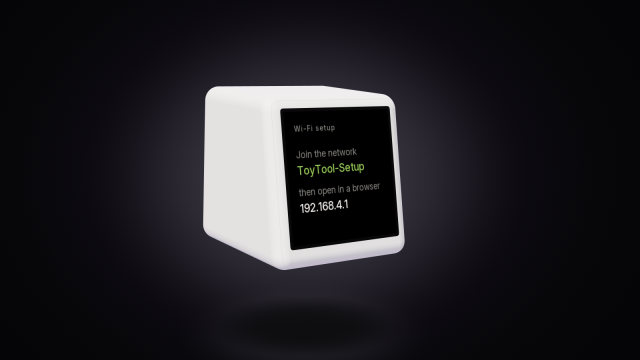 SmallTV-Ultra setup: first boot, IP and settingsSet up a GeekMagic SmallTV-Ultra — the GIFTV hotspot, finding its IP address, what the stock settings pages do — and how setup works on ToyTool Firmware.
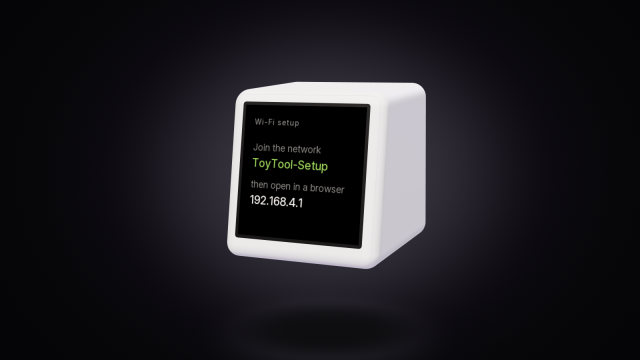 GeekMagic SmallTV-Ultra won't connect to Wi-FiWhy a SmallTV-Ultra won’t join Wi‑Fi, loops on “Connect WiFi” or shows “IP unset”: fixes for stock firmware, and what ToyTool Firmware does.
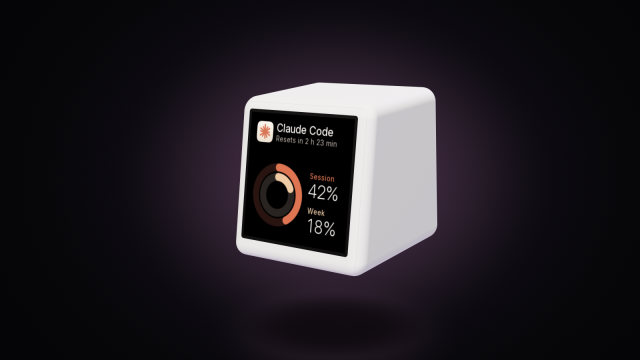 A Claude Code usage display for your deskYour Claude Code session and weekly limits, time to reset and today’s tokens on a GeekMagic SmallTV-Ultra desk screen. One Node script, no soldering.
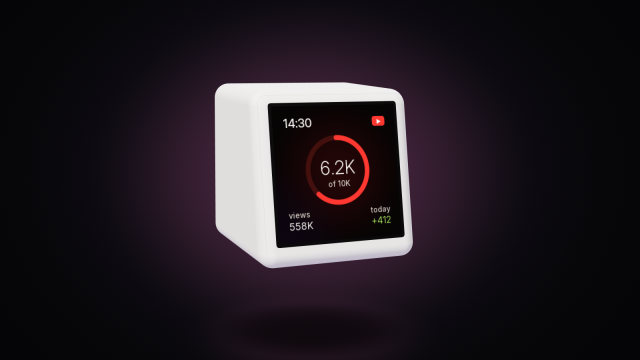 A YouTube subscriber counter for your deskTurn a GeekMagic SmallTV-Ultra into a YouTube subscriber counter with today’s views, your latest video and a goal ring. Free API key, up to three channels.
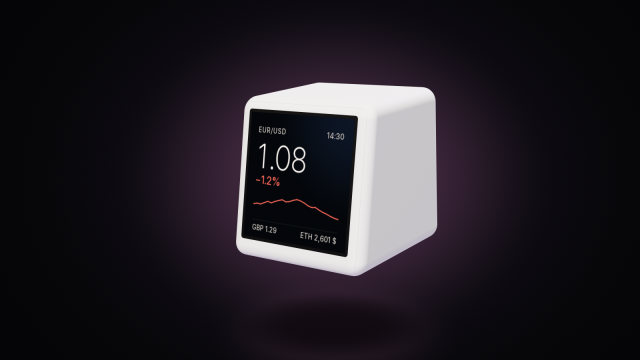 Bitcoin and crypto prices on the SmallTV-UltraThe stock GeekMagic SmallTV-Ultra has no crypto ticker. How to show Bitcoin, Ethereum and currency rates on it, where prices come from, and the limits.
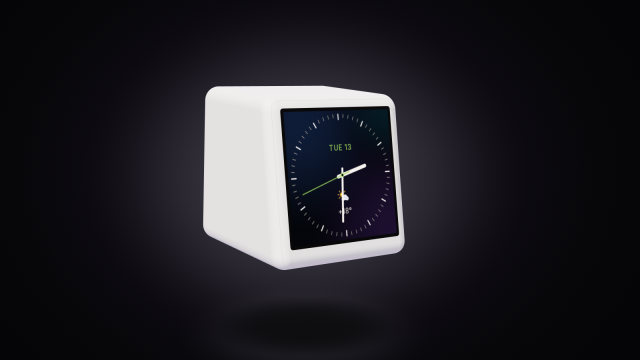 Build your own watch face for the SmallTV-UltraDesign a custom watch face for the GeekMagic SmallTV-Ultra in ToyTool Studio or as JSON: elements, live data, recolouring store faces, limits.