ToyTool Firmware
A YouTube subscriber counter for your desk
Turn a GeekMagic SmallTV-Ultra into a YouTube subscriber counter with today’s views, your latest video and a goal ring. Free API key, up to three channels.
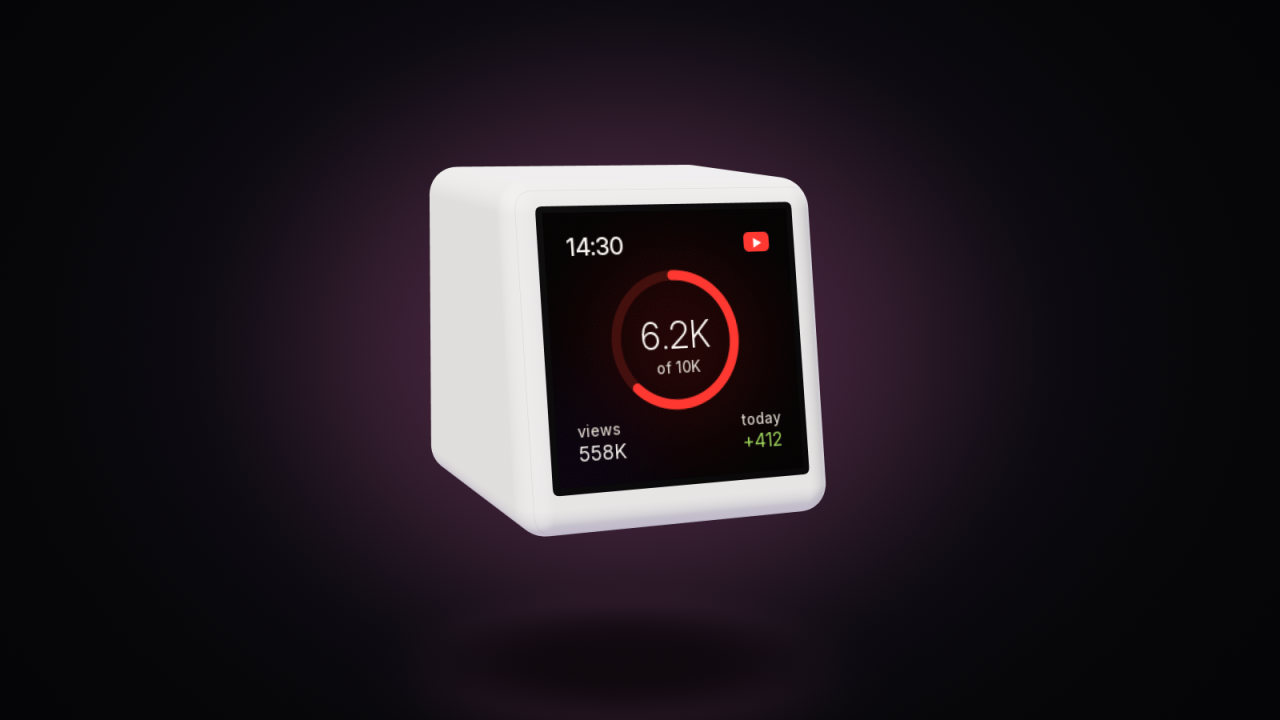
A GeekMagic SmallTV-Ultra running ToyTool Firmware can be a subscriber counter that also tells the time: your subscribers, the views your channel gained today, your latest video with its thumbnail and views, and a ring that fills up toward the next round number. It fetches everything from YouTube itself, with a free YouTube Data API key you create once, and between YouTube updates it’s still a clock, a weather station or whatever else you put in the rotation.

What it shows
- Subscribers — as YouTube reports them. YouTube rounds public subscriber counts down to three significant figures (its API documentation says so), so the number moves in steps: 6,230, then 6,240.
- Views today — views your channel gained since local midnight. The screen works this out itself from the channel’s total; it starts again from zero at midnight.
- Your latest video — its thumbnail, title, views and how long ago it went up.
- The next goal — the next milestone (100, 500, 1K, 2.5K, 5K, 10K, 25K, 50K, 100K and up) and how far along you are.
- Up to three channels. On the built-in YouTube screen each channel gets a page of its own; the faces show the first one.
The data refreshes about every 15 minutes (two minutes after a failed attempt).

What you need
- A SmallTV-Ultra with ToyTool Firmware — the Basic licence is $3.99 per screen, paid once.
- A Google account, to create a YouTube Data API v3 key. The key is free: YouTube gives every project 10,000 quota units a day, and a simple read like the screen’s costs 1 unit (YouTube’s quota rules). One refresh costs 3 units for one channel and 7 for three, so a screen uses roughly 300–700 units a day. Every screen on your account fetches on its own, so several screens add up — still far below the limit.
- Your channel’s @handle (or its ID starting with
UC).
1. Create a YouTube Data API key
- Open YouTube Data API v3 in the Google Cloud console and click Enable. If you have no project yet, the console creates one.
- Go to Credentials → Create credentials → API key, and copy the key (it starts with
AIza). - Optional but sensible: edit the key and, under API restrictions, allow only the YouTube Data API v3. The screens call YouTube from your home connection, so don’t restrict it by IP address.
2. Connect your channel in your ToyTool account
- In your account open Connectors → YouTube.
- Under Channels enter up to three, separated by commas:
@yourhandleor an ID likeUC…. - Paste the key and press Connect. Your account checks the key and the first channel with YouTube before saving. If it says “YouTube didn’t accept the key”, the API isn’t enabled for that key’s project yet; “Channel … not found” means a typo in the handle.

The key is kept with your account, encrypted, and sent encrypted to your own screens, which use it to fetch your data. You connect once and every screen on the account gets the channels.
3. Pick how it looks
Add the YouTube screen or a face from the Creator collection to the screen’s rotation — or pin one, if the counter is all this screen should do.
| Face | What’s on it |
|---|---|
| Creator | subscribers inside a red ring that fills toward the next goal, total views, views today |
| Channel | avatar and name, then subscribers, today, total views and the next goal as a list |
| Studio | subscribers up large, views today, a bar to the goal, the exact count |
| Latest Video | your newest thumbnail with its title and views, and the time |
| Author | time and date, subscribers and views, and your next task from Notion |
| Timeline | an editing timeline whose clips grow with the day, week and month, with your channel name |
The collection also has Viewfinder, a camera viewfinder with a running REC counter that needs
no YouTube connection at all. In your own faces the numbers are {yt_subs}, {yt_today}, {yt_video_views} and
friends — see Build your own watch face.
How it compares
| What it is | Where the number comes from | Notes | |
|---|---|---|---|
| Smiirl | a mechanical flip counter, 5 or 7 digits | Smiirl’s own service; its site lists Instagram counters and custom counters | from $399 excluding tax for 5 digits, per Smiirl’s site |
| LED pixel clocks with AWTRIX firmware (e.g. Ulanzi TC001) | a matrix of LEDs with custom “apps” | you push the number from Home Assistant, Node‑RED or a script, over MQTT or HTTP | needs a smart-home setup; AWTRIX 3 itself is no longer developed (its successor is AWTRIX NG) |
| DIY ESP8266/ESP32 builds | a board, a screen and your own code | your code calls the YouTube API | solder, flash and maintain it yourself |
| SmallTV-Ultra + ToyTool Firmware | a 240×240 colour screen with faces | the screen calls the YouTube API itself with your key | $3.99 licence for a screen you may already own; also clock, weather, rates and more |
Limits
- Subscriber counts are rounded by YouTube, so small changes don’t show until the third digit moves.
- About 15 minutes between updates — fine for a desk, not a live-stream counter.
- “Views today” is counted by the screen from midnight; after a restart it continues from the morning’s starting point.
- Up to three channels per account; faces read the first one.
- The YouTube Data API is all it uses: no YouTube Analytics (watch time, revenue, real-time views).
Want the price of Bitcoin next to the subscribers? See crypto and currency rates. Numbers YouTube doesn’t offer, like course sales or Patreon members, can come from your own script through the widget API.
Sources: the firmware (src/net/fetch.cpp), the ToyTool account and the server’s connector check; the pictures are firmware renders with sample numbers and a screenshot from a test account.
Faces from this guide


Read next
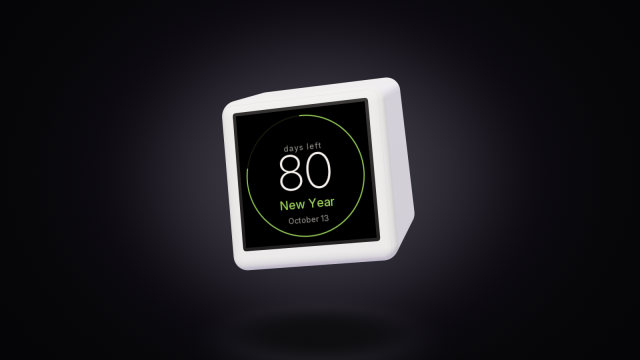 A countdown to any date on the SmallTV-UltraCount the days to a trip, a launch or retirement on a GeekMagic SmallTV-Ultra. The built-in countdown, more timers from a script, and the limits.
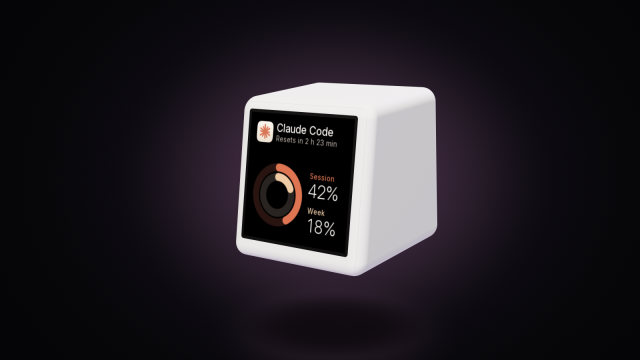 A Claude Code usage display for your deskYour Claude Code session and weekly limits, time to reset and today’s tokens on a GeekMagic SmallTV-Ultra desk screen. One Node script, no soldering.