ToyTool Firmware
Build your own watch face for the SmallTV-Ultra
Design a custom watch face for the GeekMagic SmallTV-Ultra in ToyTool Studio or as JSON: elements, live data, recolouring store faces, limits.
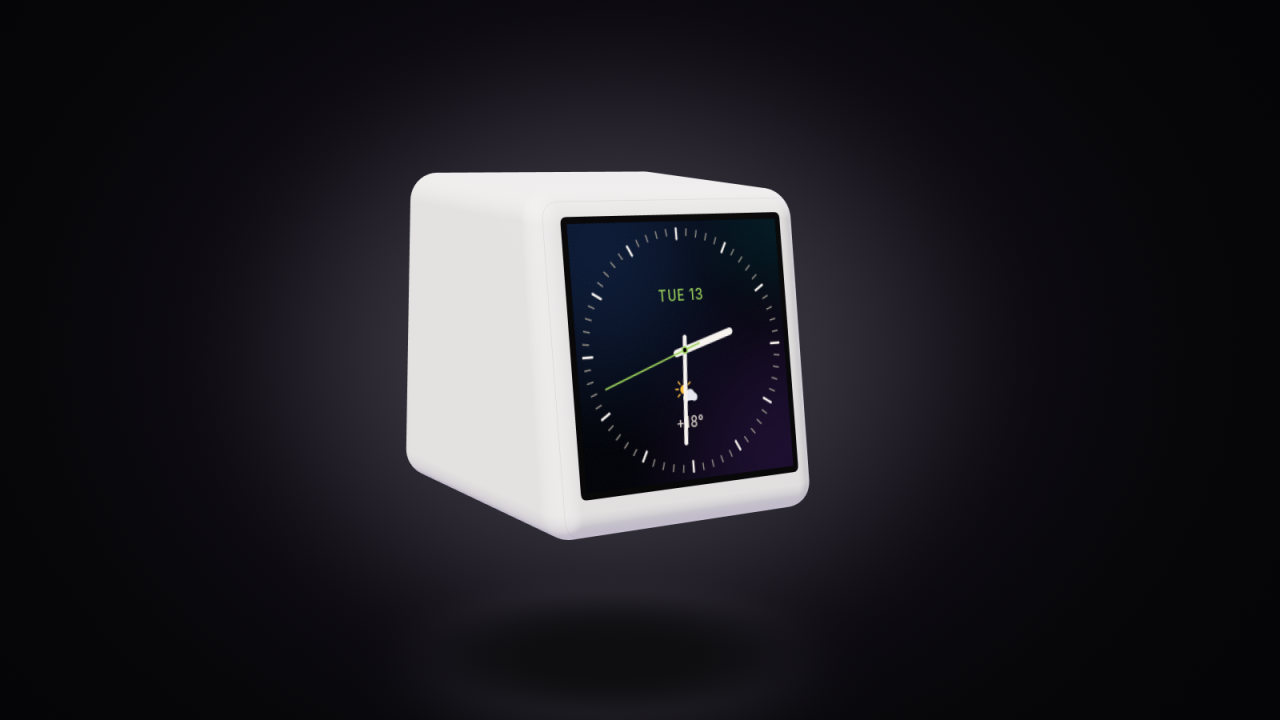
A watch face for ToyTool Firmware is a single JSON file: a list of up to 28 elements — text, rings, hands, ticks, charts, pictures — tied to live data such as the time, the weather, your rates or your subscriber count. There’s no code in it, so a face can’t break the screen. You can design one in ToyTool Studio, a browser editor that draws with the firmware’s own rendering code, or write the JSON by hand.

A face in twenty lines
This one shows the weekday and date, the time in bold digits, the weather and a ring that fills up as the day goes by:
{
  "id": "desk",
  "name": "Desk",
  "bg": { "preset": 3 },
  "el": [
    { "t": "ring", "x": 120, "y": 120, "r": 110, "width": 6, "v": "day_p", "color": "accent", "trackAlpha": 40 },
    { "t": "text", "x": 120, "y": 78, "font": "small", "align": "c", "text": "{weekday}, {date}", "color": "dim" },
    { "t": "text", "x": 120, "y": 146, "font": "watch", "align": "c", "text": "{hh}:{mm}", "n": -1 },
    { "t": "icon", "name": "weather", "x": 98, "y": 178, "r": 26 },
    { "t": "text", "x": 116, "y": 186, "font": "body", "text": "{temp}" }
  ]
}
What it says:
- The screen is 240×240 pixels, measured from the top-left corner; the centre is (120, 120).
bgis the background — here preset 3, Ocean. It can also be a colour, up to four soft colour blobs, a picture, or the page background chosen in the screen settings.- Elements in
elare drawn in order, the last one on top. - Text in
{braces}is live data:{hh}:{mm}is the time,{temp}the current temperature. In a ring, bar or gauge the value comes from"v"—day_pis the share of the day that has passed. - Colours are
#RRGGBBor theme words —accent,fg,dim— that follow the accent and theme the owner picks. - For text,
yis the baseline (the bottom of letters without tails), not the top.
Every field, element and variable is in the face format reference.
The studio
The studio lives at toytool.work/smalltv/studio and comes with the Extended licence. It runs the firmware’s renderer compiled to WebAssembly, so the preview isn’t an imitation: anti-aliasing, fonts, gradients and dithering come out exactly as the screen draws them.
- Start somewhere. Templates opens every face from the store, or From scratch for a blank screen.
- Add elements. + Add element offers text, rectangle, circle, progress ring, arc, gauge, ticks, hand, line, icon, image, sparkline and bar.
- Arrange them. Click an element on the screen to tune it; drag it to move it (it snaps to the centre). Arrow keys move by 1 px, with Shift by 10; Ctrl+D duplicates, Del deletes.
- Bind data. In a text field, {…} inserts a variable — time, date, weather, rates, YouTube, tasks, countdown. Rings, bars and gauges pick their value from a list.
- Check it under other conditions. Under the preview: the time (now, or a few fixed times such as 23:59:48), the data (sample or offline — what the face looks like before data arrives), the accent colour, the page background, and a button that replays how the face appears.
- Watch the budget. The line under the preview counts elements (of 28), text (of 800 bytes) and the file (of 8 KB), and warns when text runs off the screen or the screen would refuse the face.
- Send it. Send to screen saves the face to My faces in your ToyTool account and installs it on the screen you choose within seconds — even when you’re away from home; a screen that’s offline gets it when it’s back. Save keeps it in My faces without installing it.
The Code tab shows the JSON and accepts edits; changes apply right away.

Recolour a face from the store
You don’t have to start from zero. Open any store face from Templates and the studio makes it your own copy — the original in the store stays as it is. The Colors panel lists every colour the face uses with what it paints (“ticks, hand”, “background”), and changing one changes it everywhere at once. When you send it, the studio can replace the original on that screen with your version.

What faces can show
| Data | Examples | Needs |
|---|---|---|
| Time and date | {hh}:{mm}, {weekday}, {date}; day_p, week_p for rings | nothing |
| Weather | {temp}, {cond}, {tmin}/{tmax}, the animated weather icon, an hourly temperature chart | the screen’s city |
| Rates | {r0} … {r3}, {r0_c} (change), a chart of the first pair | pairs in the screen’s settings (crypto and rates) |
| YouTube | {yt_subs}, {yt_today}, {yt_video}, yt_p (to the next goal), your avatar | the YouTube connector (subscriber counter) |
| Notion tasks | {todo_next}, {todo_done}, todo_p | the Notion connector |
| Countdown | {cd_title}, {cd_days} | an event in the screen’s settings |
| Your own numbers | {w_<id>}, {w_<id>_0} … from widgets your scripts send | the widget API |
Until data arrives — no internet yet, a connector not set up — those variables are empty. Keep the time or something static as the main element, and check the face with offline data in the studio.
Tips that save a redesign
- The screen is very bright. Dark colours look lighter on it than in the preview; use saturated, dark backgrounds and light text.
- The big fonts are digits only.
clock,watch,hugeandbighave numbers and a few signs; words needtitle,bodyorsmall. - Turn on “Every second” only for a seconds hand or
{ss}. Otherwise the face redraws once a minute and when new data comes in, which keeps the screen free. - Write English text too. A text element can carry
text_en; the screen picks the one in its language. Weekdays, months and weather conditions inside variables are translated by the screen. - Pictures cost flash. A full-screen 240×240 picture takes 112 KB of the screen’s memory. Draw pixel art in flat colours: the screen dithers pictures, and in-between shades turn speckled.
Share and back up
Download file saves the face with its pictures as one .smalltv.json file, and Open file… loads such a file
— or a plain face JSON — back into the studio. Faces in My faces are available to every screen in your account.
Licence and limits
- The studio comes with the Extended licence: $9.99, one screen plus the studio for your whole account. Already on Basic ($3.99)? Upgrade by paying the difference. Details on the ToyTool Firmware page.
- A face is up to 28 elements, 8 KB of JSON and about 800 bytes of text in each language.
- A screen holds up to 8 faces from the store and your own, next to its built-in screens.
- No logic: a face can’t compare values or branch. What moves is built in — rings that grow when the face appears, the animated weather icon, the ticking seconds and pixel-art sprites driven by data.
- Pictures are up to 240×240 and stored on the screen; there’s no video or GIF playback.
Sources: the face format (docs/faces.md), the parser (src/face/face.cpp) and the studio; the face pictures are firmware renders and the studio screenshots come from a local test account.
Faces from this guide


Read next
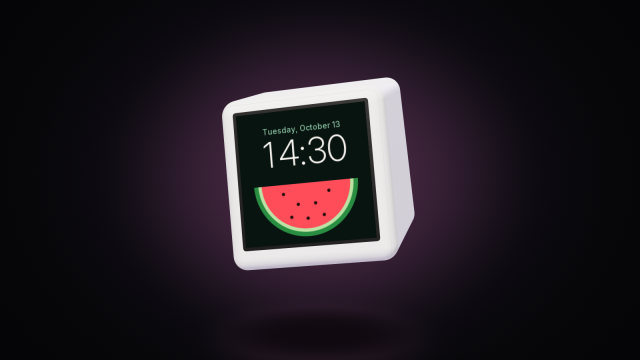 SmallTV watch face format reference (JSON)Every field of a ToyTool watch face for the GeekMagic SmallTV-Ultra: backgrounds, colours, the 14 element types, live-data variables and limits.
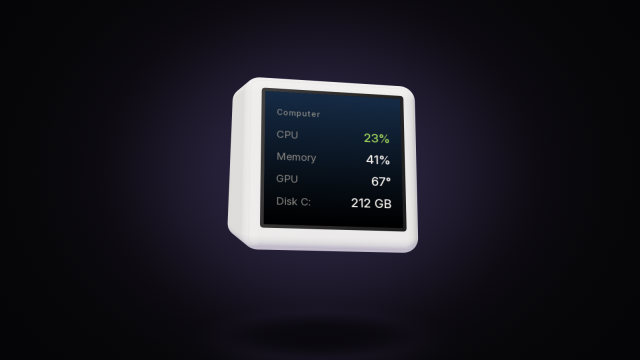 SmallTV-Ultra API: push widgets from your scriptsSend numbers, lists, notes and notifications to a GeekMagic SmallTV-Ultra from any script over your home network, with curl, Python and Node examples.