ToyTool Firmware
SmallTV-Ultra as an Apple Watch-style desk clock
Ten Apple Watch-style faces for the GeekMagic SmallTV-Ultra — a live moon, the Earth’s day and night, data tiles, slow animations — and how to set them up.

With ToyTool Firmware, a GeekMagic SmallTV-Ultra on your desk can look a lot like an Apple Watch: a modular face with the weather and your numbers, a chronograph, the Moon in tonight’s phase, the Earth with day and night where they are right now, a gradient that turns with the hour hand, and two slow animations. They’re ten faces in the Smartwatch collection, each inspired by an Apple Watch face and drawn for a square 240×240 screen in the Inter typeface. Below is every one of them as the screen draws it, what each needs, how to put them on, and a schedule that shows a data face by day and the Moon at night.

The ten faces at a glance
| Face | Inspired by | What it shows | What it needs |
|---|---|---|---|
| Grid | Modular | the time, a 12-hour weather graph, tasks, YouTube, a rate | your city; Notion, YouTube and a pair if you want those tiles |
| Tandem | Modular Compact | hands and digits, weather, a rate, YouTube | your city, a pair, YouTube |
| Tachymeter | Chronograph | a tachymeter bezel, subdials, a sweeping seconds hand | your city (for the temperature) |
| Rim | Contour | twelve numerals at the edge, the current hour lit | firmware 1.19 for the lit hour |
| Phase | Lunar | the Moon in tonight’s phase, its name, the lunar day | firmware 1.19 |
| Globe | Astronomy | the Earth from NASA imagery, with real day and night | firmware 1.19 |
| Glow | Gradient | a full-screen gradient that turns with the hour hand | firmware 1.19 |
| Bands | Stripes | diagonal stripes and bold hands | nothing |

| Haze | Vapor, Liquid Metal | colored smoke drifting behind the time | firmware 1.18, about 390 KB of the screen’s memory |

| Prism | Kaleidoscope | a glass kaleidoscope turning slowly | firmware 1.18, about 400 KB |
They sit next to nine older faces of the same collection (Rings, Pilot, Bearing, Sun Path and others) and the firmware’s own Smartwatch screen.
Data faces: Grid and Tandem

Grid is the busy one. Its big panel is the weather for the next twelve hours: now, today’s high and low, a temperature line and the conditions. The three tiles below are your Notion tasks (the ring fills as you tick them off), your YouTube subscribers (the ring shows how close the next round number is) and the first currency or crypto pair in your settings. Tandem puts an analog dial next to the digital time, with the weather, that pair and YouTube in a column on the right.
They need data, and each piece is set up once per account or per screen:
- Weather and the time zone follow the city in the screen’s settings in your account. The weather comes from Open-Meteo; no key needed.
- Rates are the pairs in the screen’s settings, like EUR/USD or BTC/USD. More in the crypto ticker guide.
- YouTube is in Connectors: your channel’s @handle and a free YouTube Data API key. The subscriber counter guide shows where to get one.
- Notion is in Connectors too: an integration token and a link to your tasks database.
Anything you don’t connect stays empty; the time and the weather work regardless.
Dials: Tachymeter and Rim

Tachymeter is a chronograph: a tachymeter scale from 60 to 500 around the edge, a small seconds dial, a 24-hour dial whose dot shows where the day is, the temperature and the date. Its central seconds hand sweeps, so this face redraws every second. The tachymeter is a design: there’s no stopwatch behind it.
Rim has all twelve numerals right at the edge. The current hour’s numeral is white, the others a quiet grey, and the lit one moves on at the top of every hour.

The lit hour is new in firmware 1.19: a face element can now be drawn only while a condition holds, here
"when": "h12=9". On older firmware every numeral is white, which still looks fine. If you build your own faces, the
condition is described in the face format.
The sky: Phase and Globe

Phase shows the Moon as it is tonight: the shadow, the phase by name, and the lunar day. The ring of thirty marks around it is the lunar month, and the dot shows where in it we are. The screen works the phase out itself, from its own clock and date, with low-precision astronomical formulas. It doesn’t need the internet for that, and it’s accurate to a few hours. The Moon is drawn as it looks from the northern hemisphere: a waxing moon is lit on the right.

Globe is the Earth from NASA’s Blue Marble: Next Generation imagery, centered on Europe, Africa and the Middle East. The screen works out where the Sun is over the Earth right now and puts the night side in shadow, with a soft band of twilight between them. The view itself never turns: only the night moves. There are no clouds, because Blue Marble is a composite of clear days.
Both live parts need firmware 1.19. On older firmware the Moon stays full and the whole Earth is lit.
Color: Glow and Bands

Glow is a soft gradient over the whole screen: warm light on one side, cool indigo on the other. The warm side always points where the hour hand does, so the picture slowly turns all day, a full turn every twelve hours. That needs firmware 1.19; on older firmware the gradient stays put. Bands is the simplest of the ten: diagonal stripes and bold white hands with a soft shadow. Glow follows the “Background intensity” slider in the screen settings if you want it calmer, and with ToyTool Studio (Extended license) you can copy Bands and recolor any stripe.
Motion: Haze and Prism


Haze is colored smoke that drifts behind the date and a big time, calmer around the digits so they stay readable. Prism is a glass kaleidoscope in violet, its facets catching the light as it turns, with the hands in a calm dark middle. Haze loops every 6 seconds, Prism every 9 or so, both at about ten frames a second; the time on top is drawn by the firmware, live.
These two store their animation on the screen itself: about 390 KB for Haze and 400 KB for Prism, out of roughly 1.7 MB the screen has free. A screen with less room gets a lighter version of the same animation, picked when you add the face. They play on firmware 1.18 and newer.
Put them on your screen
- Update the firmware. In your account, open Firmware and press Update next to the screen: it installs over the cloud in a minute or two. Faces that need a newer firmware say so next to the Add to screen button.
- Add the faces. Open Faces, then the Smartwatch collection, pick a face and press Add to screen. It joins the rotation within seconds. A screen holds up to eight faces from the store, plus the firmware’s own screens.
- Give them their data: the city and the pairs in the screen’s settings, YouTube and Notion in Connectors.
With the ToyTool extension for Chrome, faces go straight to the screen over your home network; animated ones that way need firmware 1.19.
A schedule: data by day, the Moon at night
A screen that cycles through ten faces is busy. Each screen in your account has three modes: Rotate, One face and Schedule. A schedule has up to eight rules by weekday and time, and the screen follows them by its own clock, even when the internet is down. A good start for this pack:
- Weekdays, 9:00–19:00: Grid, so the weather, your tasks and your numbers are in view while you work.
- Every day, 22:00–7:00: Phase, with night mode on so the screen dims.
- Outside the rules: Globe, Glow and Prism by turns.

Your photos, too
An Apple Watch has a Photos face. Here the closest thing is a GIF face: drop any GIF into Faces → Mine in your account and it plays on the screen with the time over it, fitted to the screen and its memory by the server. Still photos go into the Photos screen, up to eight of them. The details and the limits are in GIFs on the SmallTV-Ultra.
What it can’t do
To keep expectations straight:
- It’s a square LCD, not a watch. The faces are redrawn for a 240×240 square, and at high brightness black is a dark grey rather than an OLED’s true black.
- No touch, no crown. The SmallTV-Ultra has no touch button (that’s the SmallTV Pro). Faces change by rotation, by schedule, or from your account and the extension.
- No health data. There are no sensors: no steps, no heart rate, no activity rings. Rings on these faces show the day, the week, your tasks or your subscribers.
- No apps behind the tiles. The data is the weather, rates, YouTube, Notion tasks, a countdown and anything you send to the screen’s own API — nothing to tap into.
- No link to your Apple Watch or iPhone. It runs on its own, over Wi‑Fi.
- One side of the Earth, one hemisphere’s Moon. Globe always shows Europe and Africa, and Phase draws the Moon as the northern hemisphere sees it.
- Memory is finite. Both animated faces together take about 800 KB of the screen’s 1.7 MB or so of free space, next to your other faces and photos.
Apple Watch is a trademark of Apple Inc., registered in the U.S. and other countries. ToyTool isn’t affiliated with or endorsed by Apple; these faces are our own designs inspired by Apple Watch faces.
*Sources: Earth imagery — NASA Earth Observatory, Blue Marble: Next Generation (public domain). The Moon’s phase and the Sun’s position — the low-precision formulas from Jean Meeus, “Astronomical Algorithms”.*
Faces from this guide



Read next
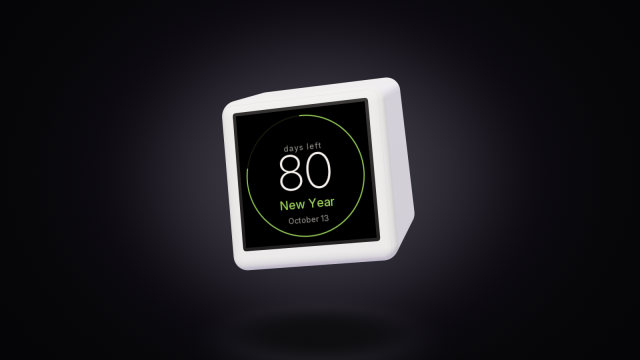 A countdown to any date on the SmallTV-UltraCount the days to a trip, a launch or retirement on a GeekMagic SmallTV-Ultra. The built-in countdown, more timers from a script, and the limits.
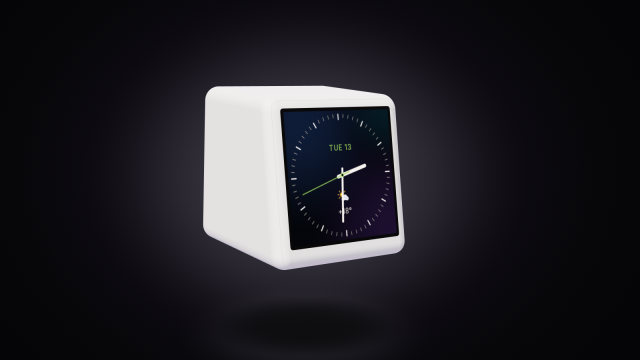 Build your own watch face for the SmallTV-UltraDesign a custom watch face for the GeekMagic SmallTV-Ultra in ToyTool Studio or as JSON: elements, live data, recolouring store faces, limits.
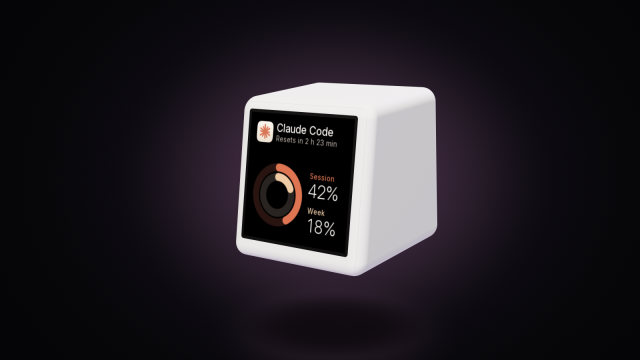 A Claude Code usage display for your deskYour Claude Code session and weekly limits, time to reset and today’s tokens on a GeekMagic SmallTV-Ultra desk screen. One Node script, no soldering.