ToyTool Firmware
SmallTV-Ultra weather not updating? How to fix it
Why the GeekMagic SmallTV-Ultra shows old or wrong weather on stock firmware — city, API keys, versions — and how ToyTool Firmware gets it without a key.
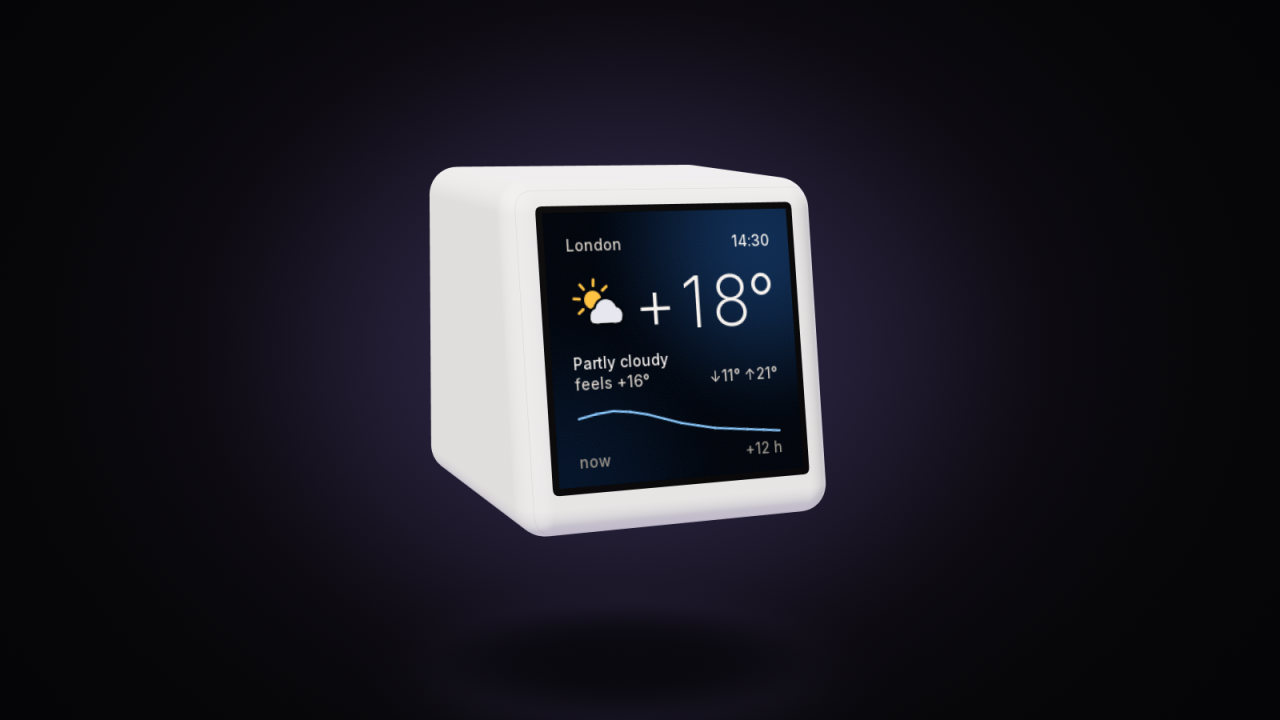
On the stock firmware, weather problems on a GeekMagic SmallTV-Ultra usually come from one of three places: the city (a name that matches the wrong place), the shared API key everyone uses unless they set their own, or a bug in a particular firmware version. The fixes below go in that order. Further down: how ToyTool Firmware gets its weather instead, and which of its screens and faces show it.
Written for GeekMagic’s stock firmware V9.0.50 and ToyTool Firmware 1.16.0.
How the stock firmware gets the weather
The V9.0.50 firmware file contains the addresses of two weather services: OpenWeatherMap’s current-weather API, asked by city name or by city ID with an API key, and Open-Meteo for a three-day forecast of highs and lows. Its Weather page (http://<screen-ip>/weather.html) has six settings:
- City location — a city name, “City,Country” (for example
Seoul,KR), or an OpenWeatherMap city ID. - Units — wind in m/s, km/h or mph; temperature in °C or °F; pressure in hPa, kPa, mmHg or inHg.
- Weather update interval — fixed at 20 minutes with the shared key; shorter intervals need your own key.
- Weather API key — optional, marked “Recommended”. The page says your own key is more stable than the public one and takes 1–2 hours to start working.
- Weather Forecast API key — optional too; the page warns the shared one may run out.
- A GIF for the weather screen (80×80 pixels).
The city matters twice: GeekMagic’s manual says the screen takes its time zone from the city as well, so a wrong city also means a wrong clock (more in the time guide).
Common causes on the stock firmware
| What you see | Likely cause | What helps |
|---|---|---|
| Weather for the wrong place, or none | The city name matches several places | Use City,CC or the city ID (below) |
| It updates rarely, or stops for a while | The shared API key, or the fixed 20-minute interval | Set your own OpenWeatherMap key |
| It only updates after a restart (9.1.54, 9.1.55) | A firmware bug, reported in #245 | Some owners went back to V9.0.50 and got regular updates again; others didn’t |
| The forecast shows only one day (V9.0.31) | A firmware bug, #264 | V9.0.50 brought the three days back for the reporter |
| The interval you set is ignored (9.1.51) | A firmware bug, #239 | 9.1.54 made it “more consistent”, in the reporter’s words |
| It restarts after you set a forecast key | Key options set differently from GeekMagic’s instructions (#131) | Follow the instructions exactly, or clear the key |
| A degree off from the OpenWeather app | Unresolved, #252 | — |
Fixes on the stock firmware
- Make the city unambiguous. Type it as
City,CCwith the two-letter country code. If that still picks the wrong place, use the city ID: search for your city on openweathermap.org/find, open the result, and copy the number at the end of its address (GeekMagic’s manual uses Seoul,1835848). Paste it into City location and click SAVE. - Use your own API key. Create a free key at OpenWeatherMap, paste it into Weather API key and save. Give it an hour or two before judging — new keys aren’t active straight away. With your own key you can set a shorter update interval.
- Set the forecast key exactly as instructed, or leave it empty. A wrongly configured key made screens restart in #131.
- Check your firmware version on the Settings page. If you’re on a version with a known bug from the table, GeekMagic’s firmware files are in their GitHub repository and upload at
http://<screen-ip>/update. - Restart the screen after changing the city or keys (Settings → 6. Reboot).
What ToyTool Firmware does instead
ToyTool asks Open-Meteo for the weather at your city’s coordinates. There’s no API key to get, share or run out of. It asks every 15 minutes, and after a failed request it tries again a minute later.
Each answer has the weather right now (temperature, feels-like, humidity, wind, chance of rain, day or night), the next 12 hours, today plus five days ahead, and today’s sunrise and sunset. The built-in screens and the faces draw on it — and many backgrounds follow along: a sky that changes with the weather and the time of day.

Two honest limits: temperatures are in °C and wind in m/s — there’s no °F setting in firmware 1.16.0 — and ToyTool shows no weather GIFs; the weather icons are its own animated drawings.
Set or change your city
The city lives in your ToyTool account, not on the screen: open the screen’s Settings, find City & time and search for your city. The search covers cities worldwide and needs no key. The same city sets the screen’s clock, and the change reaches the screen within seconds.

A new screen starts with Moscow’s weather and time. If you’re somewhere else, your account notices from your browser’s time zone and offers your city with one tap.
Which screens and faces show the weather
| Screen or face | What it shows |
|---|---|
| Weather (built in) | Now: icon, temperature, conditions, feels-like, wind, humidity, rain |
| Hourly forecast (built in) | The next 12 hours as a chart with icons |
| Weekly forecast (built in) | Five days: icon, low and high |
| Forecast | Now, today’s low and high and a 12-hour chart in one face |
| Thermometer | An arc from today’s low to high with a dot for now |
| Weather (illustrated) | A big icon over a sky that matches the weather |
| Gauges | Temperature, humidity and the week as round gauges |

Altogether, 31 of the 70 faces in the store need your city — most of them for the weather, from a small temperature under the time to a full forecast. The Data collection has the most detailed ones.
If the weather stops on ToyTool Firmware
- Is the screen online? Its card in your account shows a green Online dot and what’s on the screen right now.
- Is the city set? If the screen still shows Moscow, pick your city as above.
- Ask the screen. Open
http://<screen-ip>/api/stateon the same Wi‑Fi:"weatherOk": truemeans the last request worked;"lastError"shows the most recent problem with any of its data requests. - Does the network have internet? The screen retries every minute on its own, so weather comes back as soon as the connection does.
New to the screen? The setup guide covers the first start, and the ToyTool Firmware page shows everything else it does.
Sources: the firmware’s source code, the stock V9.0.50 firmware file, GeekMagic’s manual and public GitHub issues.
Faces from this guide


Read next
 How to reset a SmallTV-Ultra (and fix boot loops)Factory reset, Wi‑Fi reset and boot-loop fixes for a GeekMagic SmallTV-Ultra on stock firmware, plus safe mode and reflashing on ToyTool Firmware.
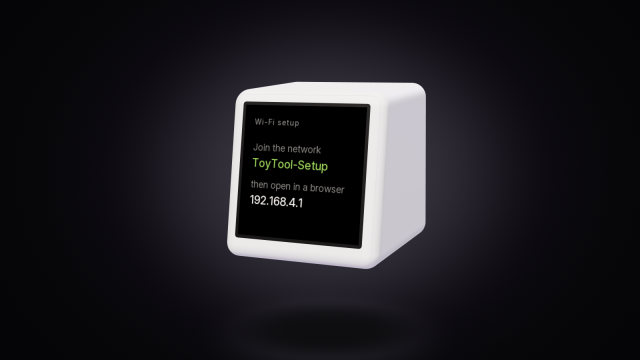 GeekMagic SmallTV-Ultra won't connect to Wi-FiWhy a SmallTV-Ultra won’t join Wi‑Fi, loops on “Connect WiFi” or shows “IP unset”: fixes for stock firmware, and what ToyTool Firmware does.
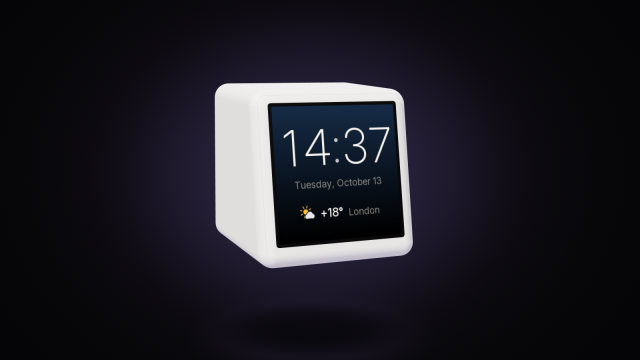 SmallTV-Ultra wrong time: time zone, DST and NTPWhy a GeekMagic SmallTV-Ultra shows the wrong time, an hour off or 1970 — city, UTC offset, daylight saving, NTP — and how ToyTool Firmware keeps time.